Vertical jump tester
Measure your vertical with just your phone.
Prop it up, step into the zone and jump. TrueVert finds the moment your feet leave the floor and the moment they land, then turns your air time into a height.


- Free
- No equipment
- No account

How it works
Point. Jump. Done.
No tape on the wall, no jump mat and nobody holding the phone. Set it down once and TrueVert handles the rest.
- 01
Prop your phone up
Portrait, front camera facing you, about 2 to 4 metres away.
- 02
Step into the zone
Voice cues guide you in. The zone turns green when you are set.
- 03
Hold for 3-2-1
Then JUMP! appears. Jump whenever you are ready. There is no deadline.
- 04
Get your height
Recording stops on its own and TrueVert measures the jump on your phone.

Jump when you are ready
After the countdown, the big JUMP! tells you recording has started. Take your time.
Measured in seconds
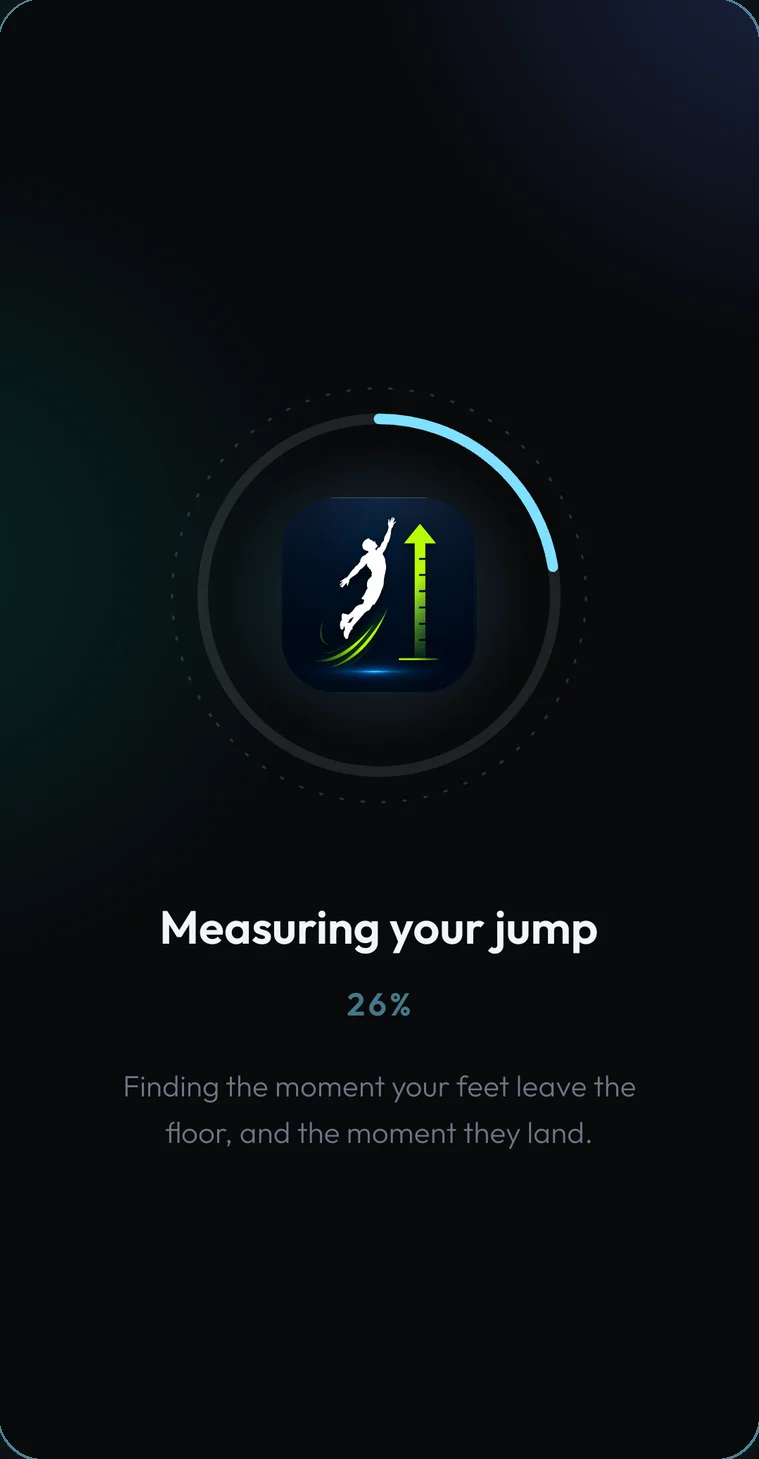
TrueVert goes through the video frame by frame to find exactly when you took off and landed.
Frozen at your peak
Watch the jump back in slow motion. The replay stops at your highest point as your height counts up.
Features
More than one number.
Every jump comes with the detail to understand it and the tools to improve on it.
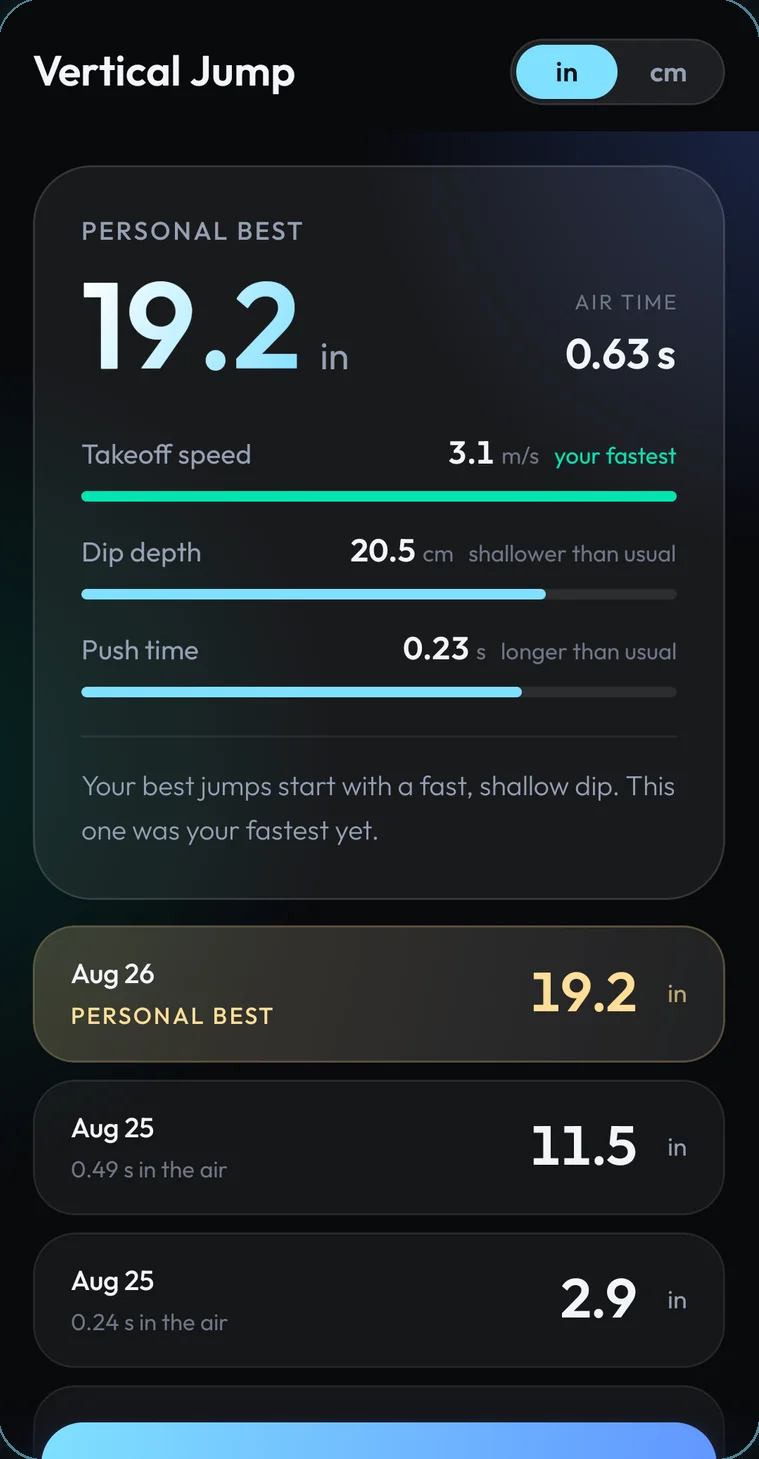
Personal best breakdown
See where your height comes from.
Your best jump is broken down into the three things that drive it, each compared with how you usually jump.
- Takeoff speed, how fast you leave the floor
- Dip depth, how far you sink before you push
- Push time, how long you drive into the floor
Frame-by-frame review
Every jump, analyzed.
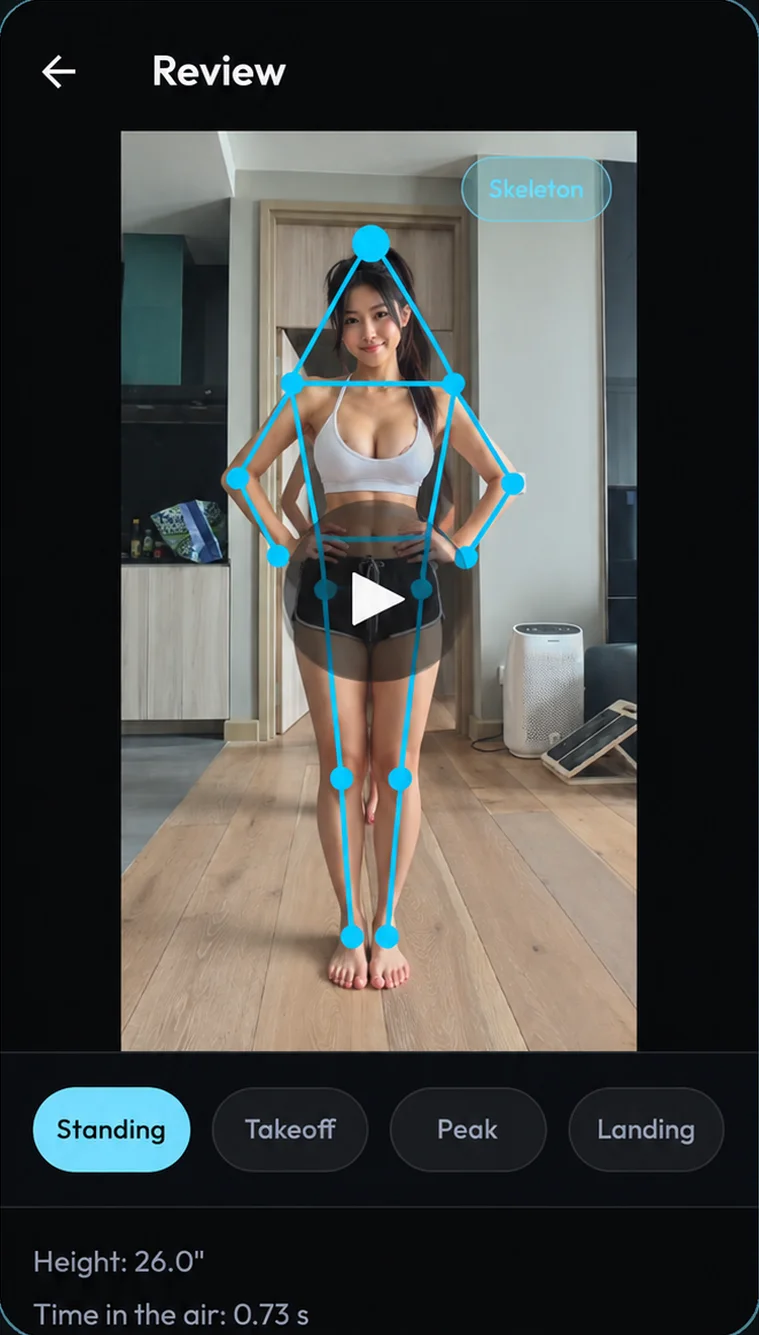
Replay any saved jump with full-body tracking drawn over your movement. Skip straight to standing, takeoff, peak or landing to see exactly how you jumped.
- Skeleton overlay you can switch on or off
- Height and air time for every jump
- Manually adjust takeoff and landing whenever you like
Honest when it is unsure
If the video is not clear enough, TrueVert says why in plain English and lets you check the takeoff and landing frames yourself instead of guessing.
Personal bests that count
Beat your record and the replay tells you by how much. Your best jump always sits at the top of your history.
Every jump saved
Scroll back through past jumps and replays. Press and hold to select and delete any you do not want.
Hands-free setup
Spoken prompts tell you to step back, get your feet in view, or hold still, so you never walk back to the phone.
Estimated power
Add your body weight once and each jump also shows an estimate of the power behind it.
Works offline
Measurement runs entirely on your phone, so it works in any gym, garage or court without a connection.
The science
Your air time is your height.
Once your feet leave the floor, gravity takes over. The longer you stay in the air, the higher you went. It is the same flight-time principle professional jump mats use, with your phone's camera doing the timing.
Because a video frame only lasts a fraction of a second, TrueVert fits a smooth arc through your movement to pin down takeoff and landing between frames, not just on them.
Your jumps never leave your phone.
Videos, heights and body tracking are processed and stored on your device. No account, no cloud upload, no analytics. Read the privacy policy.

Find out how high you really jump.
Free on iPhone and Android. All you need is your phone and a little space.